Play The Choicer Voicer Game Online Free
The Choicer Voicer dubbing game, in your browser — no download. Hear a line, say it back, get scored against the original, export your Choicer Voicer dub as a video.
- 142scenes
- 3190lines
- $0to play
Play now
Browser dub stage
You're on the waitlist ✓

free · no download · your mic stays on this device
your packs · local tape rack
Import a pack.
Dub it here.
manifest or GameBanana ZIP · stays in this browser · never uploaded
Drop a pack ZIP here
gamebanana download or your own build
On the rack
No tapes yet.
Your first import lands here, and it stays in this browser for next time. Only the pack's title is recorded — to show us which packs people play. Everything else stays in this browser.
Downloads once to this device. Nothing you record ever uploads.
Session complete
·
Loading…
- Original
- You
- Gap
Record the line and these fill in.
Scan to open on your phone — share it to TikTok, Instagram, anywhere.
- Three scores, not oneso you know what to fix, not just how you did
- Export your dub for freeChoicer Voicer lays your takes over the scene, saved to your device
- Every line is on the pageread any Choicer Voicer script before you commit to a scene
- Nothing to installChoicer Voicer online needs no account and no upload
Pick a Choicer Voicer scene
 18 lines
 American Psycho - Business Card Scene
 58 lines
 Kung Fu Panda - Oogway Ascends
 52 lines
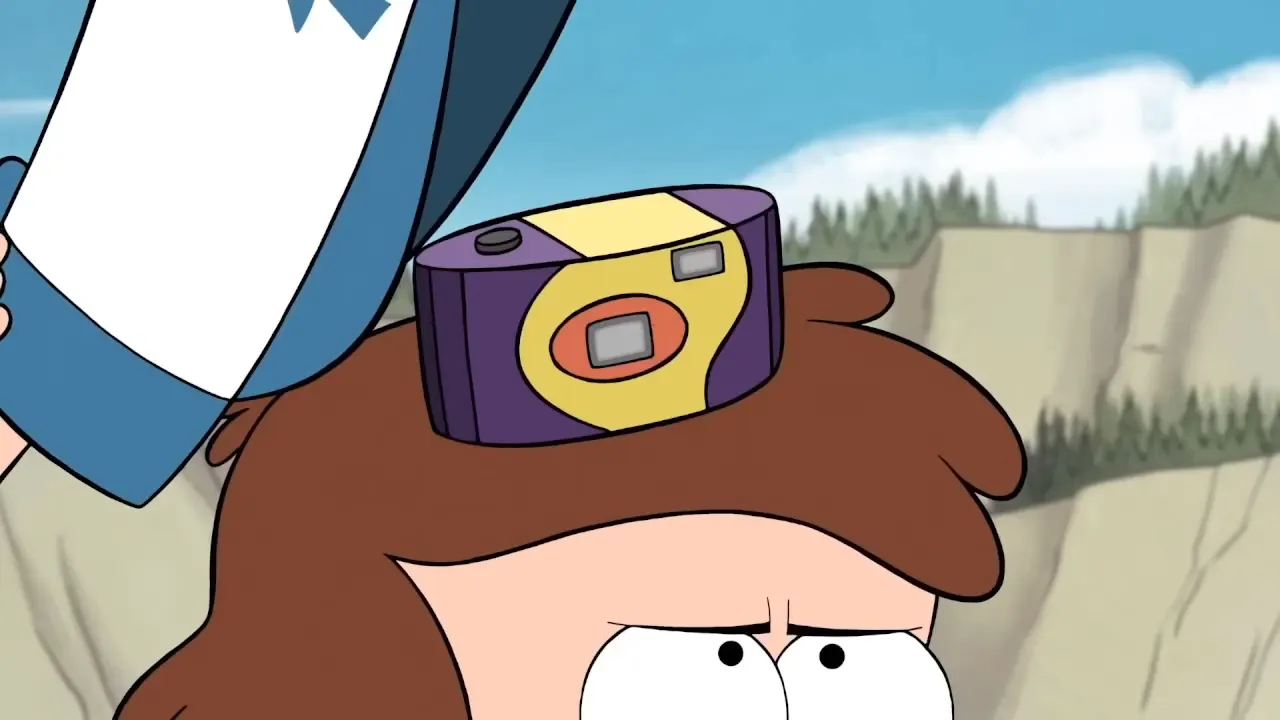
 Gravity Falls - Seventeen Cameras
 27 lines
 Губка боб - Продажа шоколада
 16 lines
 Kung Fu Panda - The Peach Seed
 36 lines
 Shrek the Third Pinocchio tries to lie
 40 lines
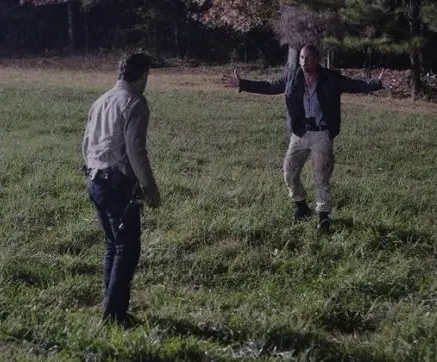
 TWD - Shane & Rick Standoff
 26 lines
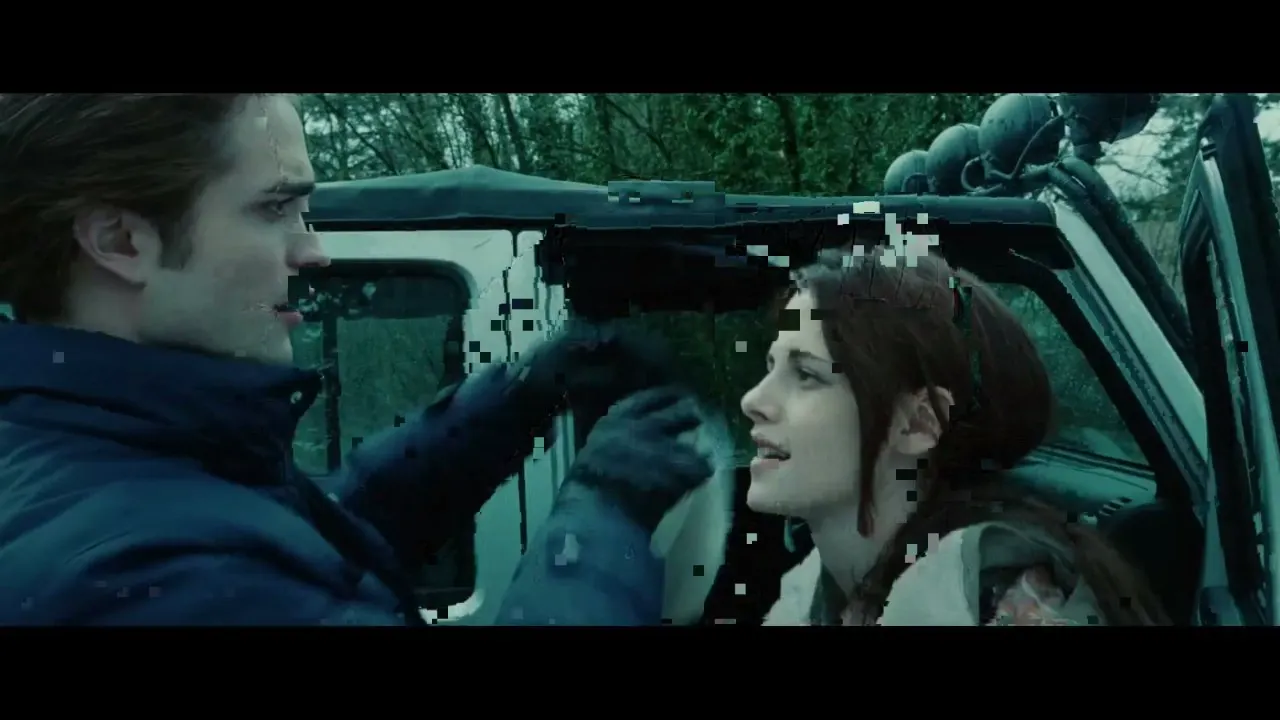
 Twilight - Baseball Scene
 43 lines
 We are Venom
 20 lines
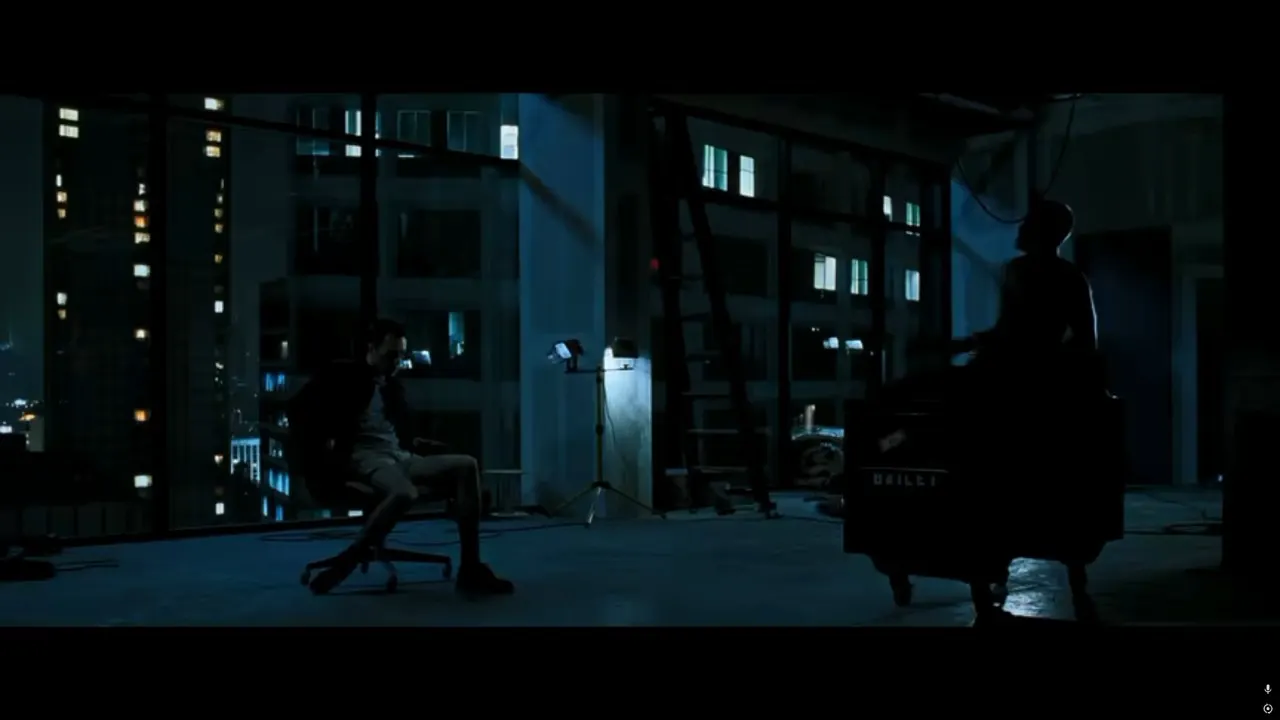
 Бойцовский клуб — Сцена с пистолетом
 21 lines
 Человек-муравей — Сцена в автобусе
 17 lines
 NANA — Стаканчики в магазине
How to play Choicer Voicer
-
01Pick a scene
Every Choicer Voicer pack is a real clip with its lines already timed. The full script sits on each pack page, so you can read the lines before you commit.
-
02Listen, then record
Replay plays the original line. Record counts down from three and the Choicer Voicer stage rolls the scene while you speak. Retry any line as often as you like.
-
03Read the three scores
Rhythm is how closely your delivery follows the original's shape. Duration is how close your length came. Coverage is how much of your take was speech rather than pauses. Together they are the Choicer Voicer score.
-
04Export the dub
Choicer Voicer lays your takes over the scene at the right moments and the finished video downloads to your device. Skipped lines keep the original audio.

What is The Choicer Voicer?
Could you have delivered that line?

The Choicer Voicer is a voice-acting game built on that one question. Choicer Voicer hands you a scene's script one line at a time and records you performing each one. Then it lays your takes back over the footage, so you hear yourself where the original actor was.
The original Choicer Voicer is a desktop game with a devoted community that builds dub packs — scenes from cartoons, anime, movies and memes, cut and timed so the game knows where every line starts. This site brings the same loop to the web: the version of Choicer Voicer you can play here runs entirely in your browser, with 142 Choicer Voicer community packs ready and 3190 lines between them.
What makes Choicer Voicer a game rather than a karaoke machine is the Choicer Voicer scoring system. Your take is compared with the original on three axes — rhythm, duration and coverage — so a rushed line, a shortened take, or changed pauses can affect those numbers. You see which habit to fix, retry the line, and watch that one number move.
The fastest way to understand Choicer Voicer is to play one short scene: the console at the top of this page starts a 4-line pack, and the whole loop — listen, record, compare, export — can take just a few minutes, depending on retries. When it clicks, the pack library is where the real range lives.
Choicer Voicer online vs the desktop download
this site · in the browser
- Playing Choicer Voicer takes one click — no install, no account, nothing to pay
- Recording, scoring and export run on your device; your voice stays local unless you choose to upload
- 142 curated Choicer Voicer packs with every script on the page
- Works on supported phones, tablets and laptops with browser microphone access
the desktop game · full experience
- Local multiplayer — friends pass the microphone around one machine
- The complete Choicer Voicer pack workshop and deepest feature set
- Game-show studio with judges, voice packs and Twitch modes
- A separate product by the original creator, released on the creator's own page
The two versions share the same pack format, so the community's work carries over: a pack in the supported desktop format plays here too, and pack pages link back to the original on GameBanana where a source URL is available. Curious whether playing costs money? The short answer is no — the Choicer Voicer FAQ below has the long one.
How to score higher in Choicer Voicer
tip 01 · rhythm
Listen twice before you record. In Choicer Voicer, the first listen tells you the words; the second tells you the rhythm — where the actor breathes, rushes, and lands. Rhythm is the heaviest of the three scores.
tip 02 · timing
Start on time, not early. The Choicer Voicer countdown leads straight into the line. Leave enough time to finish the line; a shortened take can lose duration points.
tip 03 · delivery
Match energy, not voice. Choicer Voicer measures the shape of your delivery, not how much you sound like the actor. Use a comfortable volume and follow the original emphasis; louder alone does not mean a higher score.
tip 04 · retries
Use the waveform. After each Choicer Voicer take, your curve is drawn over the original with the gaps marked in yellow. Use that picture to guide your next retry and compare the gaps.
See Choicer Voicer in action
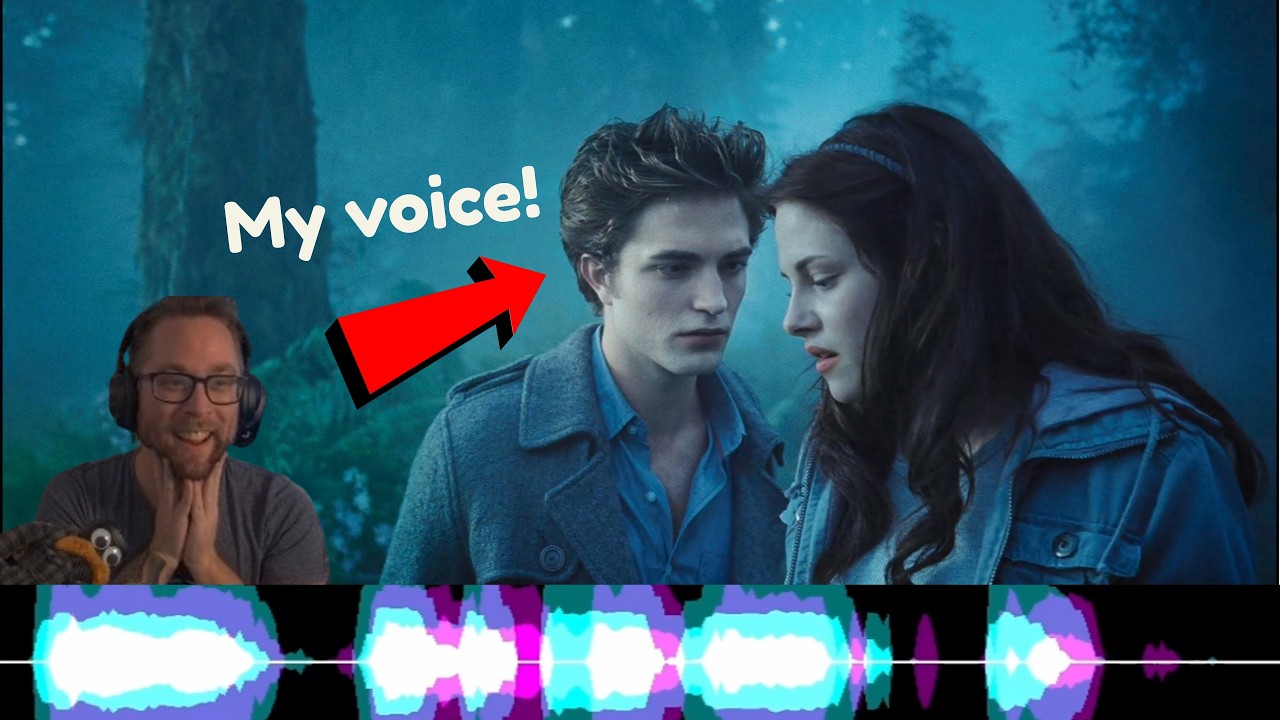
A creator running Choicer Voicer sessions in the desktop game — a similar loop, with a different interface and features from this browser version.
- How a scene sounds with its dialogue stripped, before any takes land
- How a performer experiments with timing and delivery
- The moment the dub plays back over the footage, which is the whole game
Choicer Voicer FAQ
- Q1What is Choicer Voicer?
- Choicer Voicer is a dubbing game. You watch a scene with its dialogue stripped out, record each line in your own voice, and get scored on how close your timing and delivery come to the original. This site is a browser version: pick a community dub pack, press record, and export the finished dub as a video.
- Q2Is Choicer Voicer free to play?
- Yes. Playing on this site is free: all 142 Choicer Voicer scenes, scoring, and standard video export, with no account required. Video-to-pack creation on DubBooth is a separate service. The desktop game is a separate product by its own creator.
- Q3Do I need to download anything?
- No. Choicer Voicer online runs entirely in your browser, including recording and video export. Your microphone audio stays on your device unless you upload it yourself.
- Q4Where do the dub packs come from?
- Every Choicer Voicer pack is made by the community for the original game and published on GameBanana. Each pack page credits the creator and links to the original download where available.
- Q5Can I play Choicer Voicer on my phone?
- The browser version of Choicer Voicer can run on phones and tablets with a microphone. Recording, scoring and video export depend on your device and browser; use a recent browser.
- Q6Is this the official Choicer Voicer site?
- No. This is an independent, fan-made browser version of Choicer Voicer. The original game, The Choicer Voicer, belongs to its own creator, and every dub pack here credits its author, with source links where available.
- Q7Is there advertising or tracking?
- Visitors in Russia may see one full-screen ad before their first take of a pack, served by the Yandex Advertising Network; elsewhere, Nitro may show display ads in the side margins on wide screens, and on the pack pages a muted video ad in a corner of the screen or, on phones, a bar under the header. No ad interrupts a take, a score or an export. Plausible, Google Analytics and Microsoft Clarity receive usage data as described in our privacy policy. Recording, scoring and export run on your own machine — your voice stays local by default.
- Q8What does the paid desktop game add?
- The full Choicer Voicer download is its creator's own product: a game-show studio with judges, voice packs, Twitch modes, local multiplayer and pack tooling. This browser version replaces none of that — if you enjoy this, buy the real thing.
- Q9Can I share the dubs I make?
- Yes. Choicer Voicer exports a normal MP4, so you can post it to TikTok, YouTube or anywhere else directly from your device. Respect the original scene's rights when you publish.
- Q10What do I need to play Choicer Voicer online?
- A browser from the last couple of years and any microphone — a laptop mic or earbuds are fine for Choicer Voicer online. Choicer Voicer scores rhythm and timing rather than audio quality, so an expensive microphone does not change your score.
ready when you are
Your line is waiting
Free, no download, and your first Choicer Voicer score is one microphone away.
▶ Play now